Small Tasks, Big Impact: 5 Reasons to Invest in Task Planning for Accessibility
Think about the last time you learned something new, took up a new skill. Or, set out to change your daily habits in such a profound way that it transformed your life. Go, you!
You didn’t have the skills and habits at the start of course, but probably some overall plan to adopt them, then use them to make change. Perhaps you created long-term goals you wanted to meet, with measurements plotted along the way to show you were on track and progressing.
Maybe you had an expert guiding you, building your capacity in that field or skill - so you could do the thing all by yourself, after a period of time. Again - go you!
I hope too, you had a feeling of excitement that comes with making true, meaningful change.
1. Learning something new takes planning.
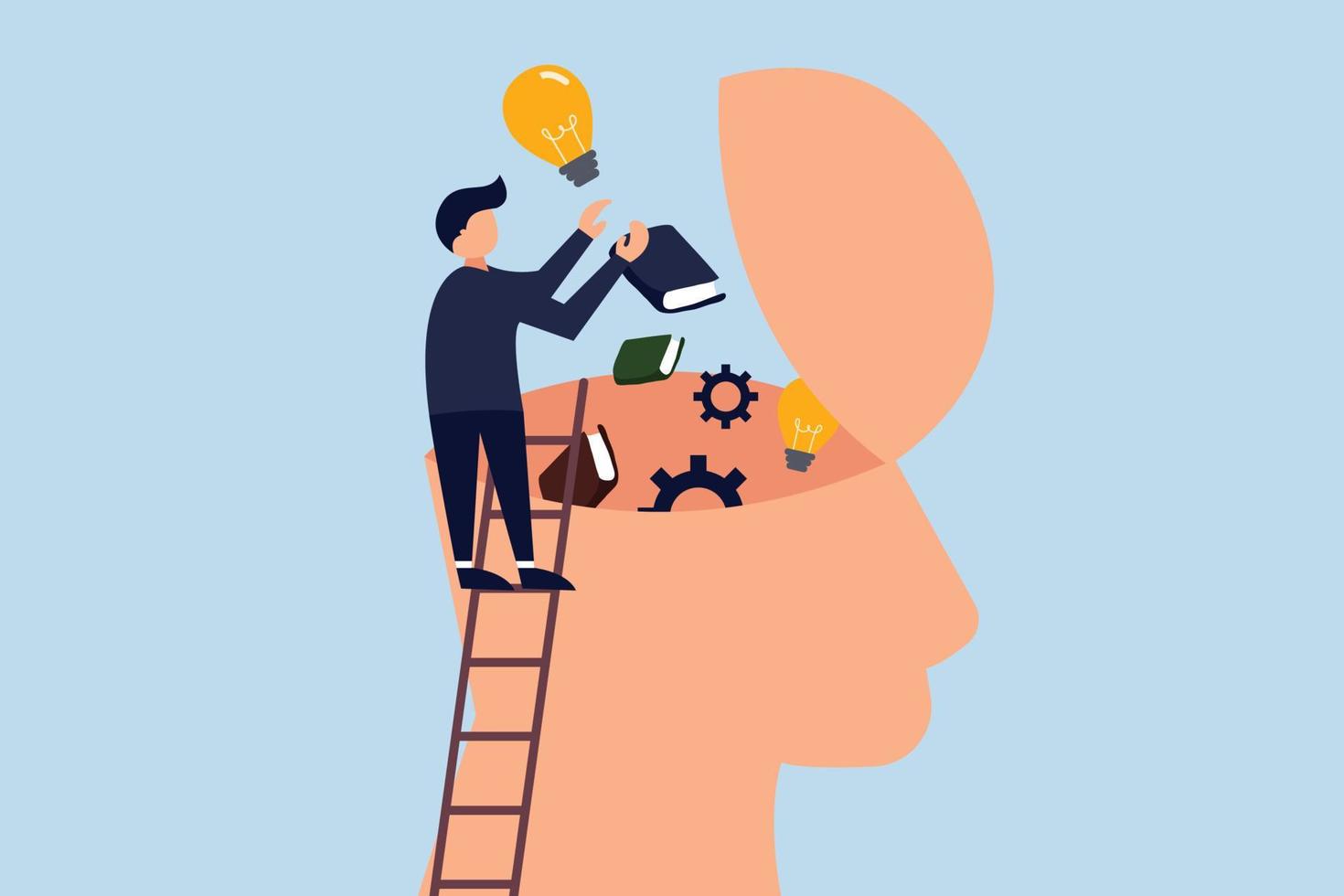
If you’re learning something for the first time and don’t understand it, or it’s complex, or you don’t exactly know what you’re supposed to do — it’s hard to adopt the new habit or skills around it. Unfortunately, you may end up doing nothing for a little while - or indefinitely.
Similarly, if the milestones on your road are too many, seem overwhelming, or you feel you must take on a massive change all by yourself — as you’re trying to learn! — this too can cause you to stall or stop completely.
It’s just human nature. If you’re not comfortable understanding and then owning your new role or skill at something — it’s not likely to stick.
Remember those measurements and the goals you had? How were they achieved in the first place? My thought is that they got broken down into small, achievable tasks or actions that you are now going to do - or do differently than what you’re currently doing.
Think weight-lifting, learning a new language, to cook or to ski (and guess which ones I tried!).
Plan how you’re going to do things differently.
To me, task planning is the first step in the successful implementation of any goal in life. Most people aren’t proficient at a new skill the first time they attempt it. So, we plan the tasks to meet the goal - e.g.:
- actions
- habits
- new ways of thinking
- a different practice
- ...and a maybe new process approach.
How does this relate to accessibility?
Making products and services accessible, inclusive and usable by people with disabilities, and better for everyone — may be the goal of your organization.
It’s a process change. Tasks are the new skills that your team can adopt, own and manage comfortably. It also increases efficiency and drives conversions to new users.
Let’s talk about users for a moment.
2. Products and services are designed for people.

“People are people.”
— Depeche Mode, 1984
Wise words from electronic music pioneers Depeche Mode. I’m sure what they meant is that people use digital products and services daily to get things done - for school, work, banking, shopping, gaming, entertainment and communicating with each other.
As an end user, it shouldn’t matter who you are. People are people, and products should work for everyone.
Globally, an estimated 1.3 billion people experience significant disability. This represents 16% of the world’s population, or 1 in 6 of us.
Source: World Health Organization (WHO)
Microsoft's Inclusive Design Toolkit reminds us that disability can be permanent, temporary or situational. One situational example is that a device designed for a person who has one arm could be used just as effectively by a person with a temporary wrist injury or a new parent holding an infant.
Check out the one-minute user perspectives videos from the World Wide Web Consortium (W3C). They show people using assistive technologies (AT), that is hardware such as keyboards, switch controls and joy sticks, and software like screen readers, screen magnifiers, closed captions, colour inversion tools and voice controls.
This is how people access information communication technology (ICT) every day: websites, mobile apps, documents, software applications, airport kiosks, e-readers and other devices.
End user needs include strong colour contrast, keyboard compatibility, plain language, structured page layouts with headings and descriptive buttons, video controls, icons and images.
The opportunities are exciting.
In this way, accessibility and compatibility with ATs is simply user experience. These are types of interaction with your product or service that you may not have considered before.
Your organization may recognize this and is looking to do something about it. Accessible digital products and services are undeniably a business advantage, a differentiator, as they reach a wider audience and drive brand loyalty.
Globally, people with disabilities control over US$13 trillion in annual disposable income, with North America and Europe alone accounting for over $2.6 trillion.
Source: Return on Disability (2024)
Accessibility is also a technology innovation, enabling and enhancing lives as we all move into the future. Think seamless, adaptable, easy-to-use and inclusive of diverse needs.
The “why” is important.
Your organization may also be driven by global standards and legal requirements that ensure people with disabilities don’t face discrimination, like the Web Content Accessibility Guidelines (WCAG 2.2), Accessible Canada Act (ACA), Americans with Disabilities Act (ADA), European Accessibility Act (EAA) and laws in the UK, Japan, Australia, Africa, and others.
You already have the skill set.
The good news is that accessibility efforts utilize your existing skill set. Tasks can be small habits or changes you make in your daily work and processes you’re familiar with, as part of your role. We'll discuss examples of this.
“I want to do this! But I don’t know where to start”.
It's understandable. This is a new goal with meaningful, measureable outcomes for your business, government agency, higher education or financial institution. It impacts the lives of people with disabilities and improves your products and services overall. This is where the excitement can come in.
Some organizations are starting from scratch, while others may already have an accessibility plan (in some cases to meet the ACA, EAA or ADA). The plan may be thorough, robust with high-level, multi-year goals across several departments; well-funded and signed off by leadership.
Still, it's only a big-picture plan. It needs to be translated into day-to-day operations, executed and maintained.
3. Task planning translates idea into practice.
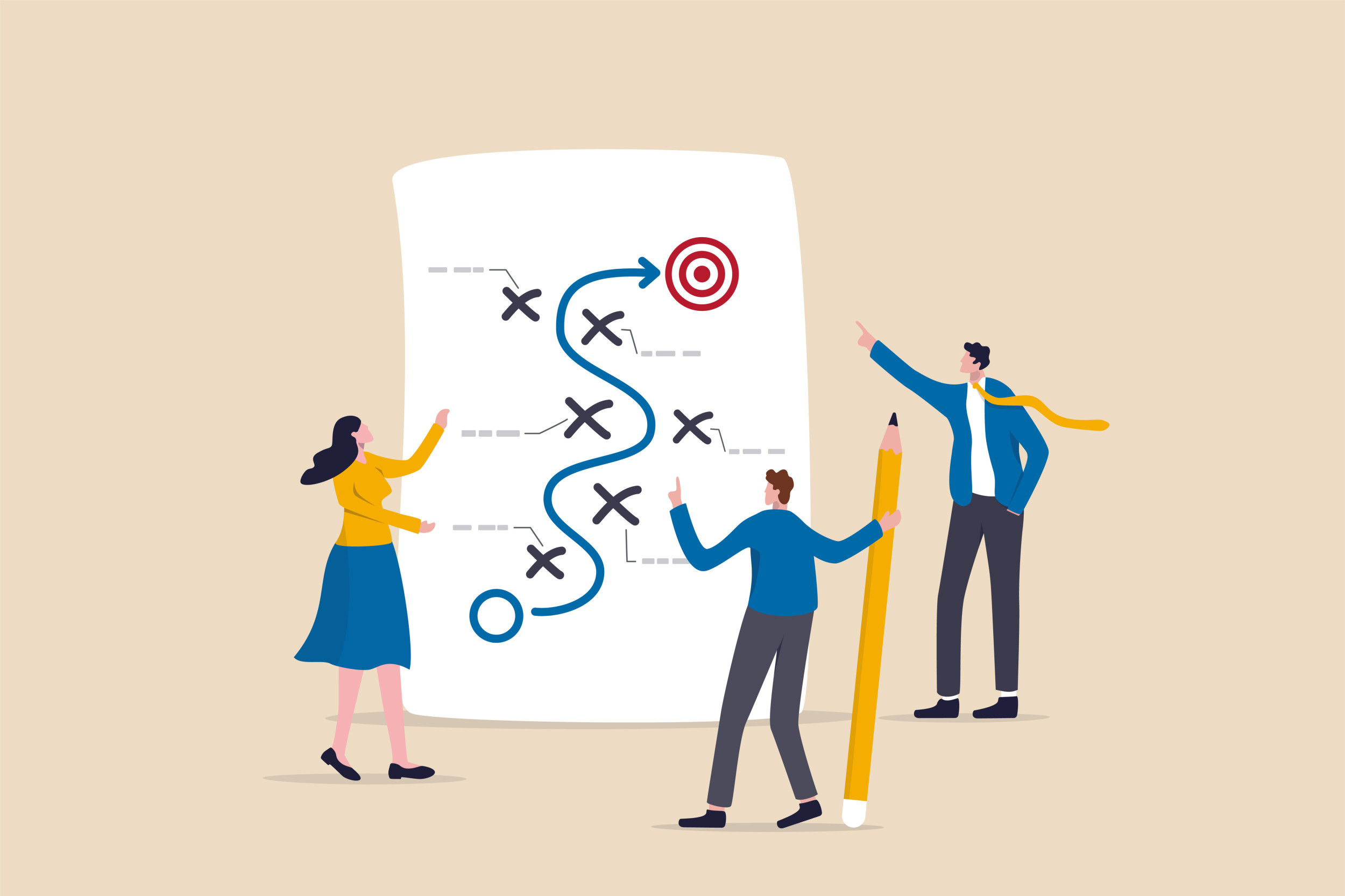
There is a gap I've seen many times. It's between the intention of rolling out a high-level, organization-wide plan, where departments are named and held accountable - and the reality, which is that individual staff members in those departments may not know exactly what to do for accessibility, in their role, at their desk on a Monday morning.
You have the goal, but no tasks yet.
How do you suddenly adopt and integrate something into your daily work that you don’t understand, or know what to do with? Or, it feels like a "monolith" — one single thing, one big goal to achieve?
Lack of role clarity causes a lack of execution.
Disability awareness isn’t the problem when rolling out accessibility plans. Lack of execution is.
According to decades-long research from Prosci and others, the failure rate for organizational change initiatives sits around 70%.
The biggest reason for change failure isn't technology or budget restrictions, but people. Specifically: people who don’t have clarity about their role in the change.
Planning sets the clarity: who, what, how and when.
Role-based training, accessibility testing and governance tools and templates can all come later.
First, you need to figure out who’s doing what, how and when.
When I work with teams, we do a process assessment: an inventory of all the roles, resources, tools and budget that we have so far. How are we doing things now, and where can we integrate accessibility into the process?
Again, the key is to break down the plan into relevant tasks. Start to change your actions, habits and workflow as you're learning to meet accessibility needs. Do things differently to achieve this new goal.
What are the risks of skipping the planning stage?
Perhaps your organization is starting completely from scratch.
In other cases, the organization has a WCAG compliance audit report showing critical product accessibility issues they need to address. Sometimes, a formal complaint has been launched by an end user with a disability who couldn't use your product or service.
Cue the budget for tools, training and allocated resources!
Wait. Don’t skip the task planning stage. Why not?
New tasks and habits are needed for change. If there are no defined tasks, there are no owners. Without owners, there’s no established accountability for getting things done (or fixed). Then, little to no sustainable change.
Do these risks sound familiar?
A compliance audit gets done, but the report sits gathering dust. Findings uncover critical issues but people aren't sure how to fix them. Or, the list is overwhelming and investigating each issue takes up too much time. No one is assigned, and/or efforts are deprioritized indefinitely.
Training happens, but habits don't change. Teams attend awareness sessions and leave thinking accessibility is important, but still have little to no idea what to do differently in their specific role. The trainer isn't following up to keep things on track.
Products aren’t designed accessibly from the start. Accessibility issues get flagged in Quality Assurance (QA) testing and sent back to Developers to fix. But many of those issues originated in design, content, and/or software procurement decisions that happened weeks earlier. Teams are stuck in an inefficient, reactive loop.
Progress stalls after the initial push. There’s a burst of activity around a product or process assessment, then momentum drops because there’s no structure for ongoing accessibility ownership.
Staff turnover resets everything. When the one person who “knew accessibility” leaves, the knowledge departs with them. There’s no role-based framework where tasks and ownership are simply transferred to new hire(s).
These are patterns I’ve seen in nearly 15 years of working with organizations, across private and public sectors, globally.
The commitment is there, but many times the clarity isn’t.
4. Task planning is a proven change management strategy.

Accessibility is not unique in business development. It's simply another process to adopt, own, manage and grow.
Data shows that structured task ownership is key.
Organizations with excellent change management practices are seven times (7) more likely to meet project objectives (25-year study of change management methodologies).
Companies have 20% higher task completion rates with defined role ownership.
Nearly 75% of companies that were extremely successful in meeting their transformational goals broke down the process into specific, clearly defined initiatives.
Human factors matter six times (6) more than technical factors in determining whether an implementation delivers value.
Task planning is also a revenue driver.
Companies leading in disability inclusion generate 1.6 times more revenue, 2.6 times more net income, and twice the economic profit of their peers.
Companies that improved their disability inclusion over time were four (4) times more likely to outperform their industry peers in total shareholder returns.
5. Task planning is fun, collaborative and highly effective.

For nearly 10 years I’ve approached task planning as an engaging, collaborative workshop. I've worked with multiple departments with varying maturity levels around accessibility:
- Product Design, Development and QA
- User Research
- Design systems
- Marketing and Brand
- Customer services, Student services
- Human Resource (HR)
- Software Procurement
- Leadership and operations
Together, with coffee, ideas and a whiteboard, we plan out the tasks and actions to integrate inclusive practices for accessibility: who’s doing what, when and how. Most importantly, we document this in a shared, reusable resource for current and future projects.
Task planning can be:
Reactive.
Taking a list of issues from a product compliance audit, VPAT or user research findings. Breaking it down into solutions then tasks to quickly prioritize and assign the fixes to each role (design, content, development, QA). Shared ownership and collaboration.
Proactive.
Reviewing something new - product requirements, design prototypes, or a new process strategy on paper. Catching and removing accessibility barriers before going to production. This saves time, money and re-work down the road.
Task planning integrates into your operations.
When task planning, I tend to partner with:
- Sustainability leaders and senior operations directors wanting to roll out an organization-wide accessibility initiative. Beyond the yearly maturity model or plan - what are the weekly, monthly and annual tasks for each department to fulfill the goal?
- Business analysts to identify the accessibility goals and measurements for a new product or service release, and the tasks for each team or department to meet them.
- Project managers, digital product owners and managers to prioritize accessibility tasks within Agile sprints or the overall product lifecycle.
- Human Resources (HR) and Department managers to make task-planning workshops part of onboarding process and corporate training materials. Listing specific accessibility tasks into role and job descriptions.
- Compliance officers who require adherence to global standards and laws (WCAG 2.2, ACA, ADA, EAA, AODA, etc.). Mapping the accountability and responsibities per role.
- Software procurement specialists to create a questionnaire for vendors submitting a VPAT for their products, and developing a trusted, industry-leading software toolkit for use by each role.
Small tasks have a big impact.
Here are some role-based tasks, things you can do each day or week, to significantly impact the user experience for people with disabilities:
- Content authors. Creating a heading structure in your document and running an accessibility checker to ensure heading tags are built in when exporting to PDF. This provides the structure and context for screen reader users.
- Marketing and Brand. Adding closed captions to video content for hard of hearing users. Run auto-generating caption software across large volumes of videos at a time, then tweak the captioning with small edits for accuracy.
- User experience (UX) Designers. Designing website buttons, icons and error messages with sufficient colour contrast for low-vision and colourblind users. Install free colour contrast plugins (Figma) or create an accessibility prompt (Claude Designs).
- Human Resources. Work with procurement specialists to purchase accessible recruitment software. This way, job application forms are accessible by keyboard, screen reader and more. Write job postings in plain language and offer flexible interview formats. Support candidates with limited mobility, blindness or low vision and neurodivergence.
Outcome 1: Clarity, comfort and confidence.
Accessibility ownership is established, and teams feel comfortable and confident to make small habit changes over time to improve efficiency and products for all.
Outcome 2: Resuable guides and materials.
- Personal Task Lists: Priority tasks assigned to each role
- Weekly, monthly, and annual actions to take
- "Top 5 Actions" reference cards
- Step-by-step Process guides
- Accessible document Templates
- Role-based, how-to Resources
- Recommended tools matrix (free and paid options)
The workshop engagement has four steps to get teams comfortable, genuinely excited as task owners, and ready to start:
- Acknowledge. Understand disability needs and how people use your products and services.
- Assess. How you do things now, and what to change.
- Assign. Mapping easy tasks to each role to make change.
- Advance. Progress check-ins, troubleshooting and celebrating wins!
Schedule progress check-ins.
This part has been a significant success indicator and differentiator for me when helping teams sustain their practices. Once tasks ownership has been assigned, I've ensured they tell me when they can get them done. What tasks, habits and actions can they apply to their work immediately?
When is a good time to check in and provide support? In two weeks, a month? Three months?
Sometimes I'll validate fixes to products to ensure this is on track, and we troubleshoot together if there are blockers to adoption, or a process shift.
If progress isn't monitored or measured, momentum drops.
Task planning benefits several sectors.
Here is how accessible task ownership benefits common sectors.
Healthcare
Online patient services are absolutely critical for healthcare. This means owning and planning out regular accessibility updates to the websites, internal and external patient systems, communications by print, email and social media.
This is done by a knowledgeable web services team and software procurement department.
Higher Education
Universities manage massive, decentralized digital ecosystems — course management systems, admissions portals, research databases, library platforms.
Accessibility responsibilities are shared across faculties, IT departments, student services, and communications offices. Planning creates reusable task lists and templates for each role.
Financial Institutions
Banks and insurance companies operate under heavy regulatory scrutiny. They also have complex digital ecosystems: online banking, mobile apps, bank machine (ATM) interfaces, PDF statements and customer service portals.
Resuable task lists and templates go a long way. People with disabilities test-drive products and coach Customer Service staff on best practices.
Retail
Retail and e-commerce websites have some of the worst accessibility track records, on average over 83 issues per homepage. Most are fixable, quick wins (colour contrast issues, unlabelled buttons, no headings).
Testing, co-design sessions and task lists work for product teams. All customers benefit from clean layouts and easy-to-use checkout experiences.
In conclusion
Don't skip the task planning stage of your accessibility initiative. It will create an action plan with steps, save you time and money, increase operational efficiency and drive user conversions.
Key takeaways
- People are people. Accessible products and services benefit everyone and drive brand loyalty. Let’s do this!
- Accessiblity is like any other change process that you roll out.
- If you’re learning something new (like accessibility), if you don’t understand it or it’s too complex, it’s hard to build new skills and habits around it.
- You need to change habits and do things differently to reach a goal. Break it down into tasks so you know what to do and why.
- Organizations are seven times (7) more likely to meet project objective success with a change management strategy like task planning.
- Defined role ownership drives 20% higher task completion rates.
- Consider interactive task-planning workshops as an engaging and effective way to establish tasks and responsibilities in your team or department.